Your agent already writes UI.Give it a design system, in a Snap.
Create and govern your design system: generate screens, apply your brand and ship to React, Vue and Angular. It works inside your codebase and follows your rules. Figma optional.
Access by waitlist. Fifteen days free, no card.
Your design and your code,mirrored
Snapflow gives you and your agent the tools. You validate.
Mirrored
Your design and your code stay the same, component by component.
We adapt to Figma
Your team keeps designing in Figma, the way it already does.
No Figma? No problem
See and edit your components in our web editor before taking them to code.
What Snapflow does,wherever it runs
First what it does. Then where you use it from.
Generates screens
With Composition, from a description or a screenshot.
Brands the design system
From a URL or a brand book, with the brand skill.
Works on your codebase
Redesigns, respects your repo's lint and types, and checks the result against the design.
Exports code
The same design in React, Vue or Angular.
Mirrors in Figma
Your components stay the same in Figma and in code, for whoever uses Figma. Ready if you want it, never required.
How Snapflow gets into your codebase
Your own agent does it (Claude Code, Cursor or Codex) with the /snapflow skill and the MCP.
The design system: tokens, components in React, Vue or Angular, and their usage rules.
Your stack, your agent rules (AGENTS.md, CLAUDE.md), your lint and your types.
The result stays in your repo and passes your own rules, not ours.
From wherevereach person works
Five surfaces, optional and combinable. On Windows, Mac and Linux.
Agent in your IDE
Claude Code, Cursor or Codex, with the /snapflow skill and the MCP.
CLI
Install everything with one command: npx @snapflow-labs/onboard.
Web editor
Don't want to use Figma? No problem. Edit your components on our web.
Figma plugin
Components mirrored with the code, for whoever designs in Figma.
Playground
The living design system: components and pages already built.
“Figma is ready if you want it.”
One shows,the other edits
They live side by side: the Playground shows and documents your design system on your machine; the web editor builds and changes screens in the cloud, and publishes them.
Playground
Installs with the CLI and stays on your machine: Windows, Mac or Linux.
Web editor
Build and change screens with your components and tokens, and publish.
Govern youragentic design system.
Share design and code tasks with your agent: tokens, governance, roadmap and screens in one place. Every team uses exactly what you create.
Governed, not just documented.
Tokens, components and rules your agent has to follow, and you validate.
Built for design system teams and the people who consume their work.
Every team, one system.
The same components in Figma and in React, Vue and Angular.
You don't build it.You receive it.
Building a design system of your own takes months and a team. This one is already made, and in seven steps you brand it.
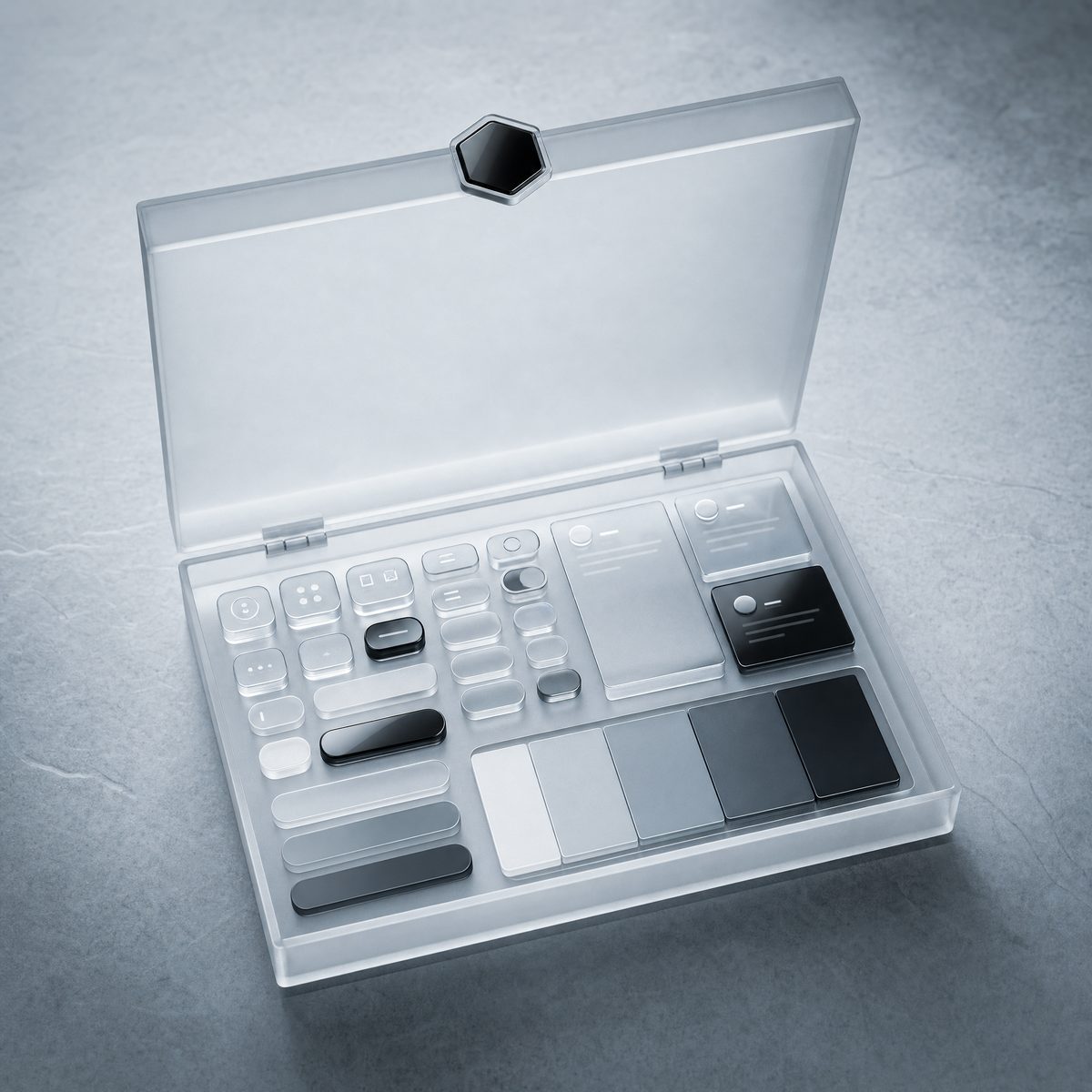
You receive it
A complete agentic design system, already built: tokens, components and governance rules, in React, Vue and Angular.
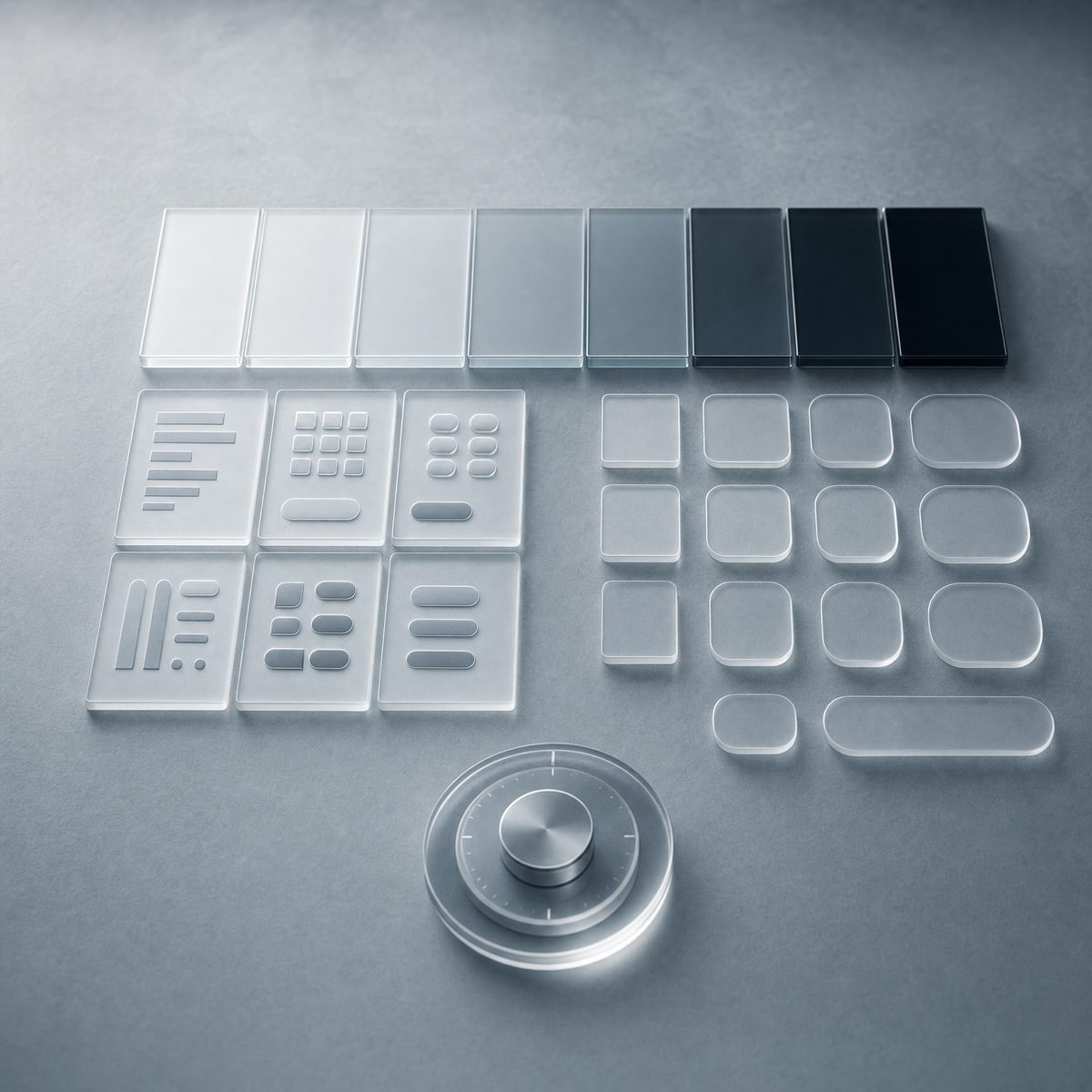
You make it yours
Color, typography, shape, iconography and depth. Seven steps with live preview, and it rejects the combinations that fail contrast.

You design and build
In Figma or in the web editor you design screens and flows with those components. In your repo, your agent writes them in code.
A button doesn't say blue. It says primary action color.
Bring any model or tool toyour design system
The system doesn't tie you to a provider: your agent builds from it with the model and the editor you already use.
Use it with the AI subscription you already have, with your own API keys, or connect it over MCP or CLI.
For one teamor the whole company
Snapflow Cloud
Per-seat subscription billed through Stripe. We run the infrastructure.
For your company
Every team on the same design system. Talk to us about seats and how to roll it out.
Measured with the teams already running Snapflow in production.
From the waitlistto your first governed screen
Join the waitlist
Get your invitation
Connect your assistant
Compose your screens
Fifteen days free
When you're in, you connect your repo (and Figma, if you use it) and brand the system.